Lullaby song generator
Create a personal lullaby from a name, a bedtime memory or your own lyrics. Choose gentle music and make an original recording to keep and share.
How it works
How to use: Lullaby song generator
- 01
Choose a familiar image
Write down one quiet detail from the bedtime routine and who the song is for. Add a name only if you want it sung. You can describe the person without sharing a full name or private family information. Keep the story calm and easy to follow.
- 02
Keep the sound small
Try a single acoustic instrument, a quiet vocal and a repeating melody. Describe an even volume and an unhurried ending. If you prefer no voice, select Instrumental only. The brief can explain the mood without making a promise about sleep or health.
- 03
Read the words before recording
Use your own lyrics or sign in to draft and edit them. Check that names are written as you want them pronounced and that the refrain feels natural aloud. Generate the song, listen yourself, and download the finished MP3 from your library.
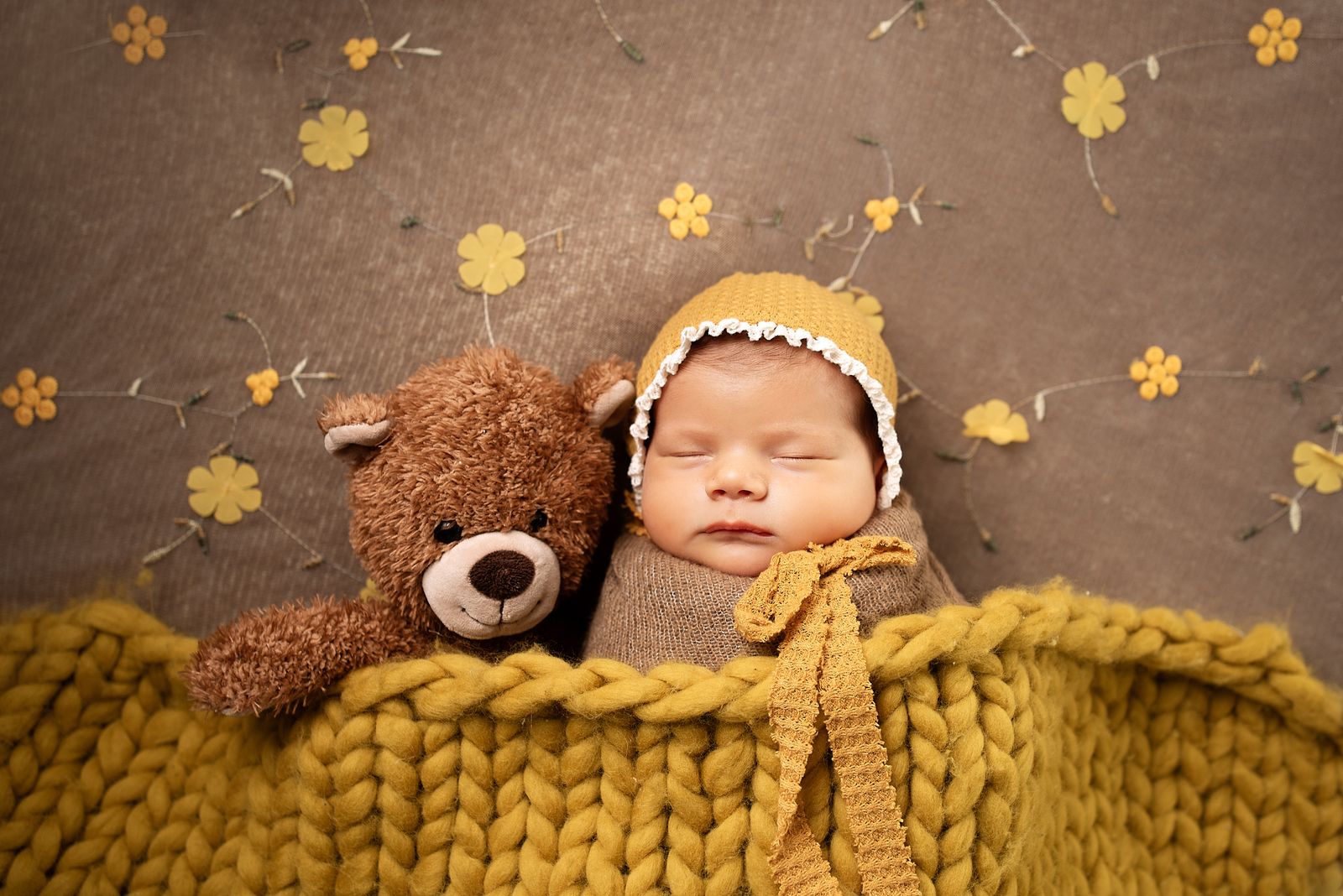
Words for the end of the day
Give a familiar bedtime moment its own melody.
A bedtime song can be about the lamp in the hallway, a well-loved toy or a name spoken softly. The lullaby song generator helps you turn those small details into an original recording. Choose a gentle voice and simple accompaniment, or make an instrumental with no sung words. Keep the idea close to the people who will hear it. A reassuring refrain that returns unchanged may suit the moment better than a story full of surprises. You can also paste lyrics your family already wrote together.
A family bedtime song
Build the lyric around a small ritual, such as putting a toy on the shelf or hearing footsteps in the hall. Keep the same reassuring line in each chorus. It gives the song a familiar place to return to without needing a complicated plot.
A quiet instrumental
Ask for a short piano or guitar theme and a restrained arrangement. Instrumental mode creates music without sung lyrics. It can be a personal piece to listen to together, rather than a long continuous sleep playlist.
A song from your own verse
A few lines you already say at bedtime can be enough for a starting draft. Put the repeated words in a chorus and keep the verses short. The generator makes a new melody and accompaniment rather than recording your own singing voice.
An example to work from
Let the refrain bring the listener home.
The brief
A lullaby about the hallway lamp and familiar sounds after the house grows quiet. Gentle guitar, a close voice and the same simple chorus each time.
This lyric is an original writing example, not a generated audio sample. Change the images and words for your own routine. A lullaby is a creative recording, not a treatment or a guarantee that someone will fall asleep.
Try your own ideaIllustrative writing example
[Verse]
The cups are dry, the chairs are still
Rain is resting on the sill
Your little bear is tucked in too
The hallway light stays here with you

[Chorus]
Rest here, little one
The busy day is done
The light beside the door
Shines softly as before
Make it your own
The next edit matters.
Use words you would actually say
Read the verse softly before generating. Replace formal words or long explanations with phrases that feel comfortable in your family. A simple repeated image can carry affection without spelling everything out.
Ask for an even arrangement
A sudden build or busy drum fill may not fit a quiet song. Say that you want restrained dynamics and a gentle ending. Listen through the recording before choosing it for your routine; the exact performance can vary.
Keep the name easy to pronounce
A first name or nickname is usually enough. If the first take pronounces it differently, revise the spelling in your draft before making another recording. A new take uses another credit, so check the words first.
Keep writing
Get your lyrics ready to sing
Use section labels, manageable lines and a clear sound direction to prepare your words for a recording.
A little help
Questions about this tool?
Something else on your mind?
Ask us about writing a draft or turning your words into a song.
Can I include a child's name?
Yes. Put the name or nickname in your idea or lyrics. Read it aloud and check the spelling before generating; you do not need to share a full name or other identifying details.
Can I make a lullaby without vocals?
Yes. Select Instrumental only and describe the gentle melody and accompaniment you want. The piano example is a starting point you can edit.
Will the song make a baby fall asleep?
There is no guaranteed sleep effect. Choose an arrangement you like, listen before using it and keep playback at a comfortable volume.
Can it use my own singing voice?
This generator creates a new vocal performance when vocals are selected. It does not clone or record a parent's voice. You can supply your own written lyrics.
Does this use the same song credits as the main song maker?
Yes. Verified free accounts receive one song in total across the app. Further recordings use your subscription or pack credits. Creating a new take uses another song credit.
Which languages can I make a song in?
Choose English, Spanish, German, French or Brazilian Portuguese. The song language controls lyric and vocal generation and can be different from the website language.
