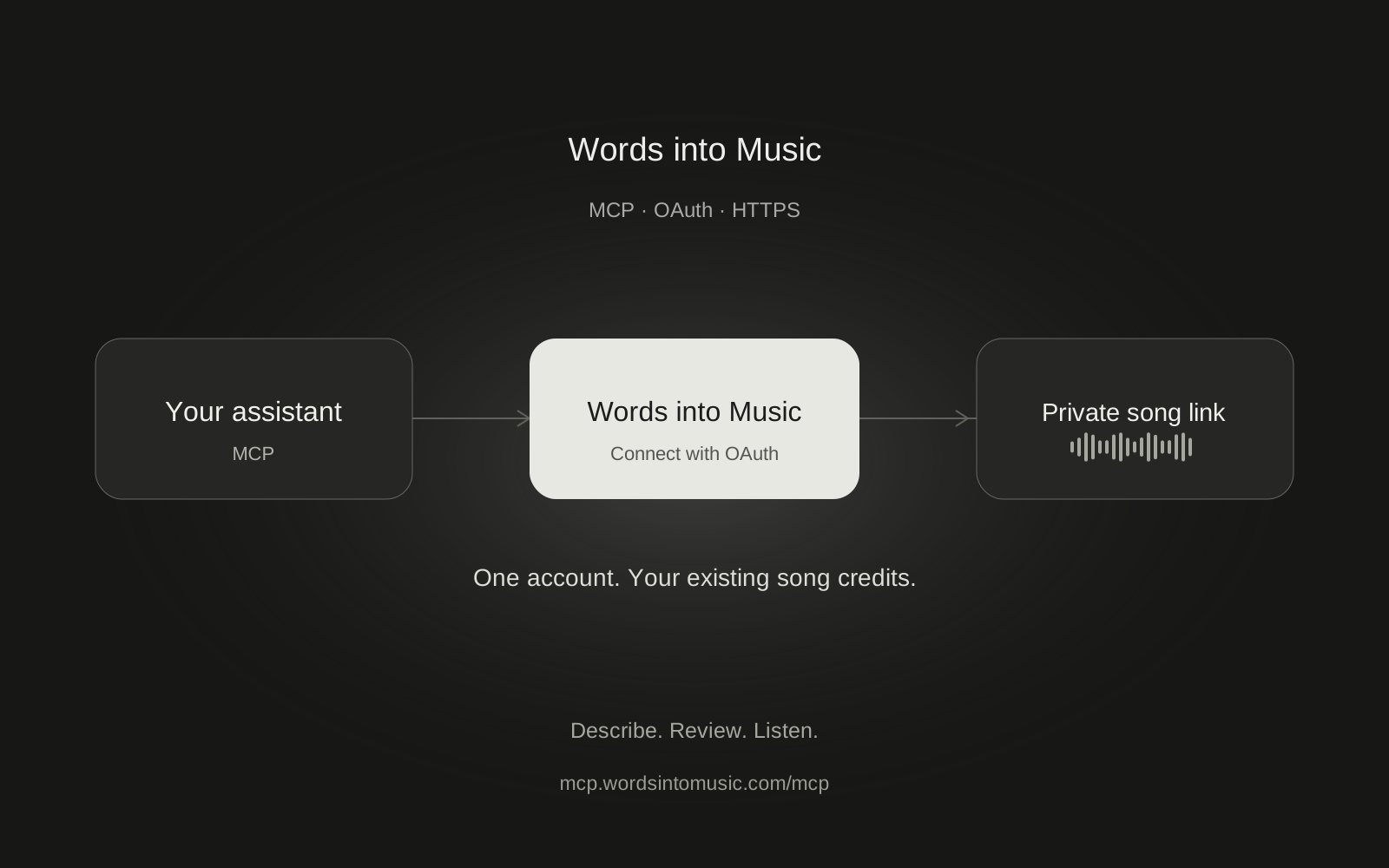
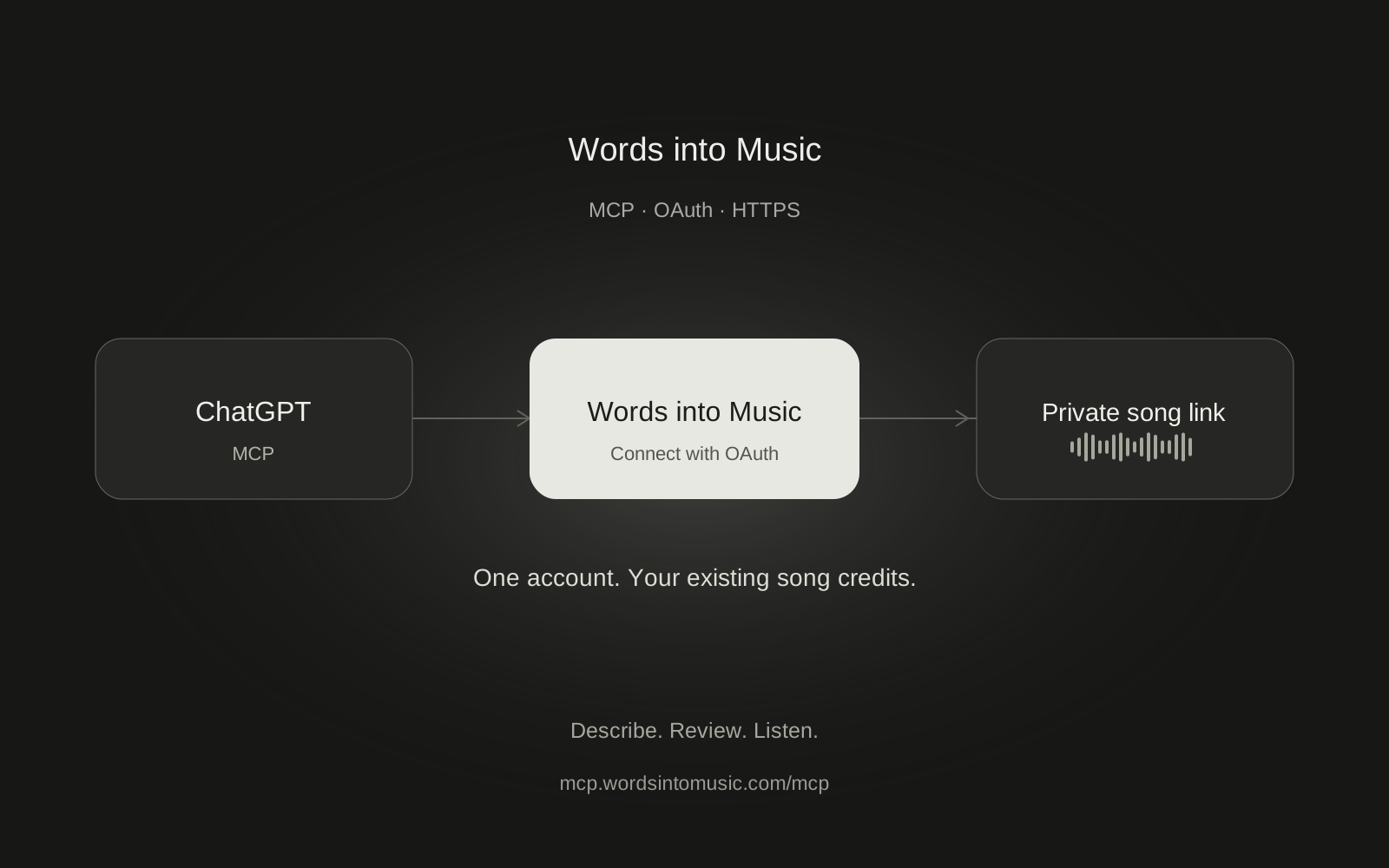
Claude can call Words into Music to turn an idea or a lyric sheet into a recording. Add a custom connector, sign in to your existing account and enable it in a chat. Your song stays in your Words into Music library.
We tested the complete production flow with a Claude Free account on October 16, 2026. It checked the balance, prepared a 60-second English acoustic-pop song, started it once and returned a working private link. We then played the recording and verified that disconnecting blocked the next tool call.
Can I use Claude Free?
Yes. Claude's custom connector documentation currently allows one custom connector on Free. Claude's chat limits still apply. Team and Enterprise organizations may need an owner to add the connector before members can connect their own accounts.
You also need a verified Words into Music account and an available song credit. The same free song, subscription allowance and purchased credits apply on the website and through Claude. A Claude subscription does not include Words into Music song credits.
Add Words into Music
- In Claude, open Customize, then Connectors.
- Choose Add and Add custom connector.
- Name it Words into Music and paste the remote server URL below.
- Keep OAuth sign-in. If offered, choose Sign in now and Use Claude's published identity.
- Finish adding the connector, then sign in on Words into Music. Check the requested account and permissions before you approve.
https://mcp.wordsintomusic.com/mcp
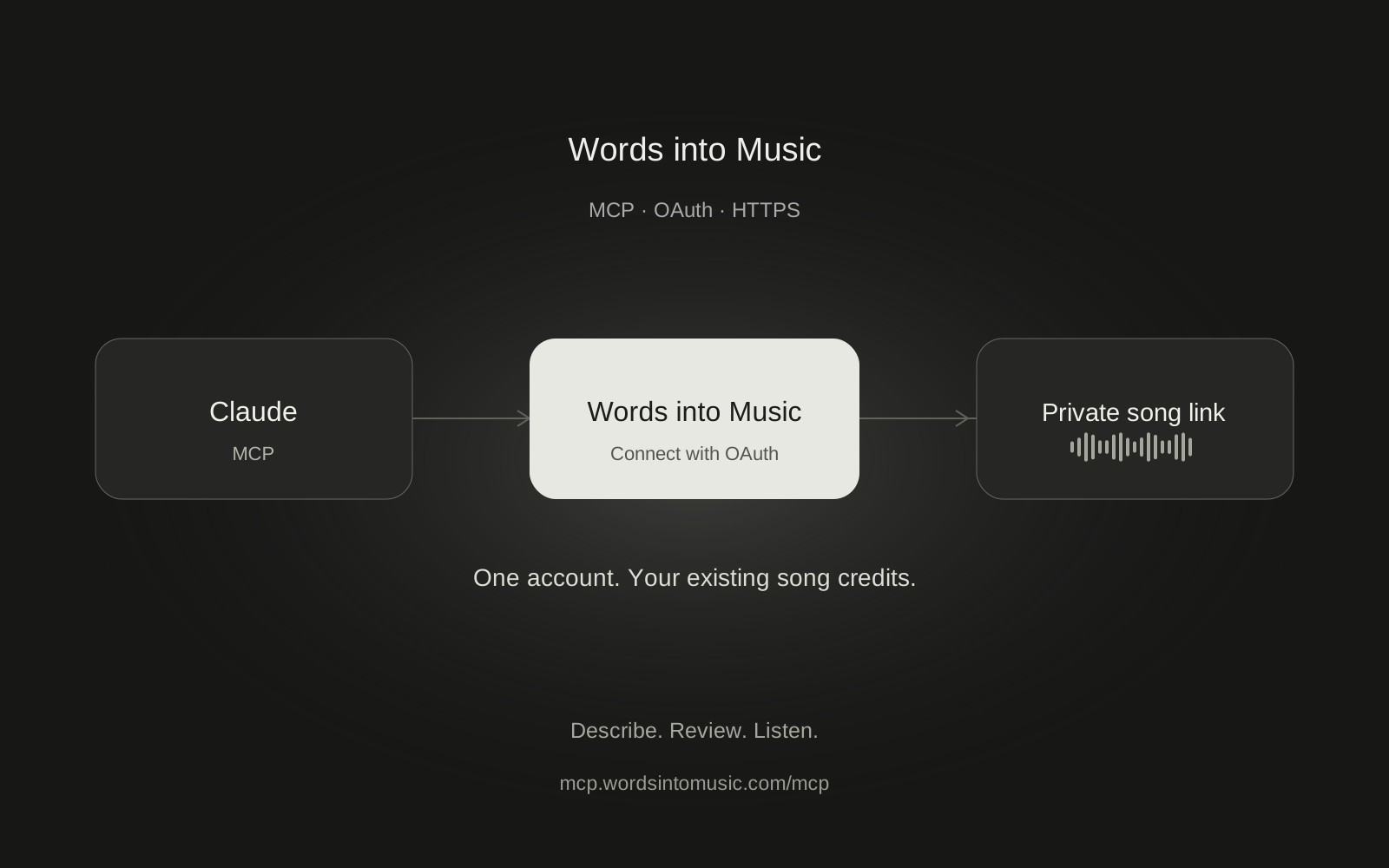
You do not need to enter a manual client secret or a Words into Music API key. Claude's published identity worked in our test. Finish the browser sign-in flow rather than copying its callback URL or an authorization code into the conversation.
Turn it on in your chat
This step matters. Adding the connector in settings does not guarantee that its tools are enabled in a particular conversation.
Open the plus menu beside the composer, choose Connectors and turn Words into Music on. We missed this toggle during the first attempt. Claude could not find the tools until we enabled it. No song had been created and no credit had been spent at that point.
Start with:
Use Words into Music to check my song credits. Do not make a song yet.
Approve the read when Claude asks. You can keep per-call approval instead of granting blanket permission to every tool.
Make your first song
Prepare one 60-second English acoustic-pop song about a city waking up at sunrise. Use fingerpicked guitar, light percussion, warm vocals and a hopeful mood. Check my credits first. Show the brief and one-credit cost, then wait for my approval before starting.
Read the brief and ask for any changes before generation. When you are happy, authorize one recording. Claude may ask you to allow the start tool separately. One start uses one Words into Music credit; preparing the brief and checking progress do not use song credits.
If you have your own words, tell Claude to preserve your supplied lyric sheet as the input and put style directions separately. The lyrics-to-song guide explains how to format it. A generated singer may still change or omit a word, so compare the recording with your original.
Come back when it is ready
Ask Claude to check the existing job at least 15 seconds apart. Once accepted, the recording continues if you close the tab. It usually takes about two minutes, with longer waits possible.
The result is a private song link. Open it while signed in to Words into Music to play or download the MP3. You can also find it in My songs. An embedded Claude audio player is not part of this connector.
If a request times out, keep the same prepared request and job. Do not ask Claude to start a replacement while the original is still running. The setup guide explains this retry behavior and the shared limits.
Disconnect when you want
In Words into Music Settings, disconnect Claude under Connected apps. Then disconnect it in Claude's connector settings as well. A previously accepted generation continues, but new tool calls stop immediately.
In our test, Claude's next account read returned MCP_ACCESS. That is the expected result after revocation. Reconnect only when you want to grant access again. The MCP overview lists exactly what each permission and tool allows.
Frequently asked questions
Do I need Claude Pro to connect?
No. Our production test worked on Claude Free, which currently allows one custom connector. Claude usage limits and organization policies still apply.
Why does Claude say it cannot find the tools?
Open the plus menu in that conversation, choose Connectors and turn Words into Music on. A connector saved in settings may still be disabled for the chat.
Should I choose Claude's published identity?
Yes, when that option is offered. It worked in our production OAuth test and avoids asking you to supply manual OAuth client credentials.
Will the song continue if Claude stops responding?
Once Words into Music accepts the generation job, it continues independently of the chat. Return to My songs or use the optional completion email.
Does disconnecting remove my finished songs?
No. Disconnecting removes the client's access to new tool calls. Your recordings stay in your Words into Music account.