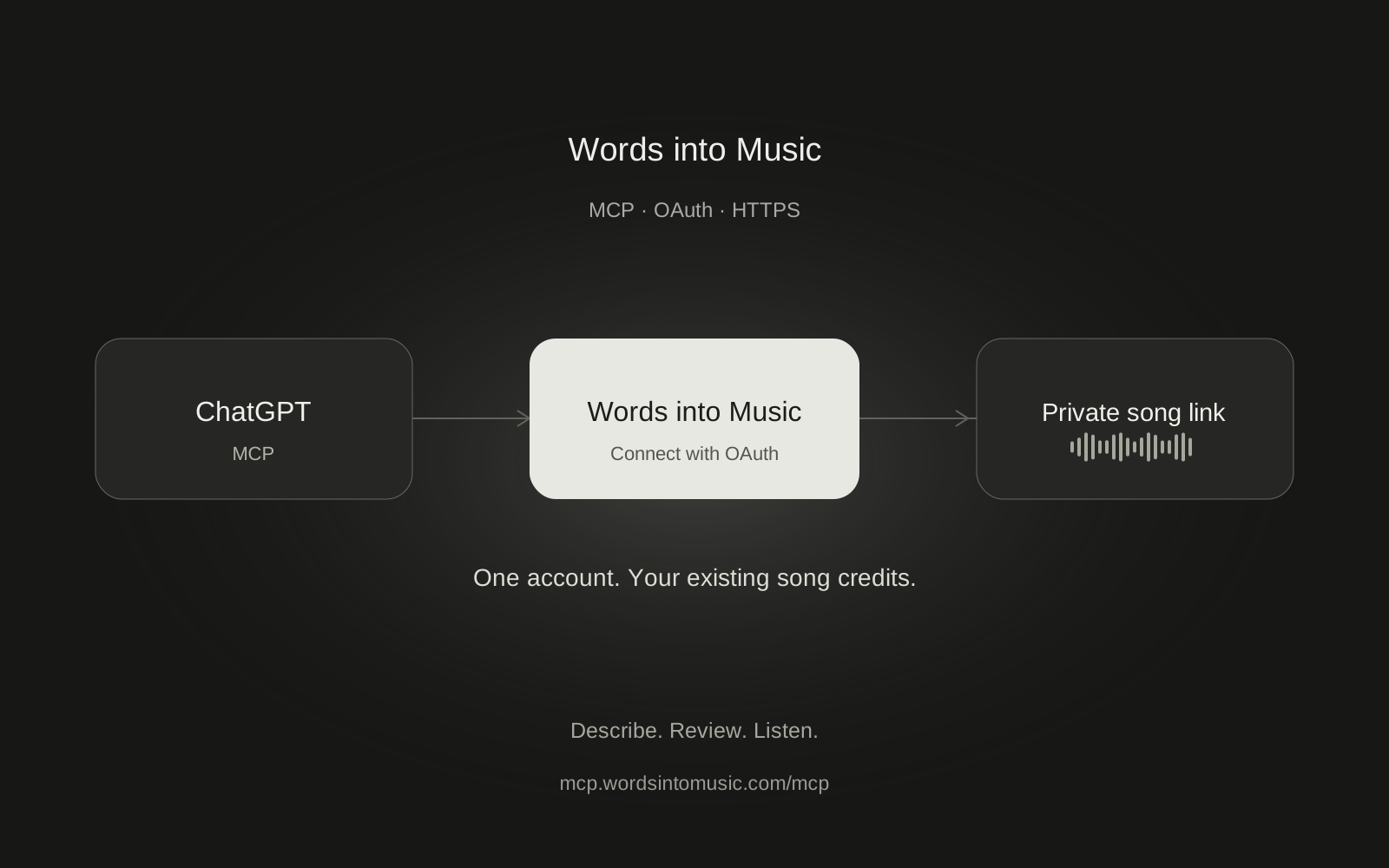
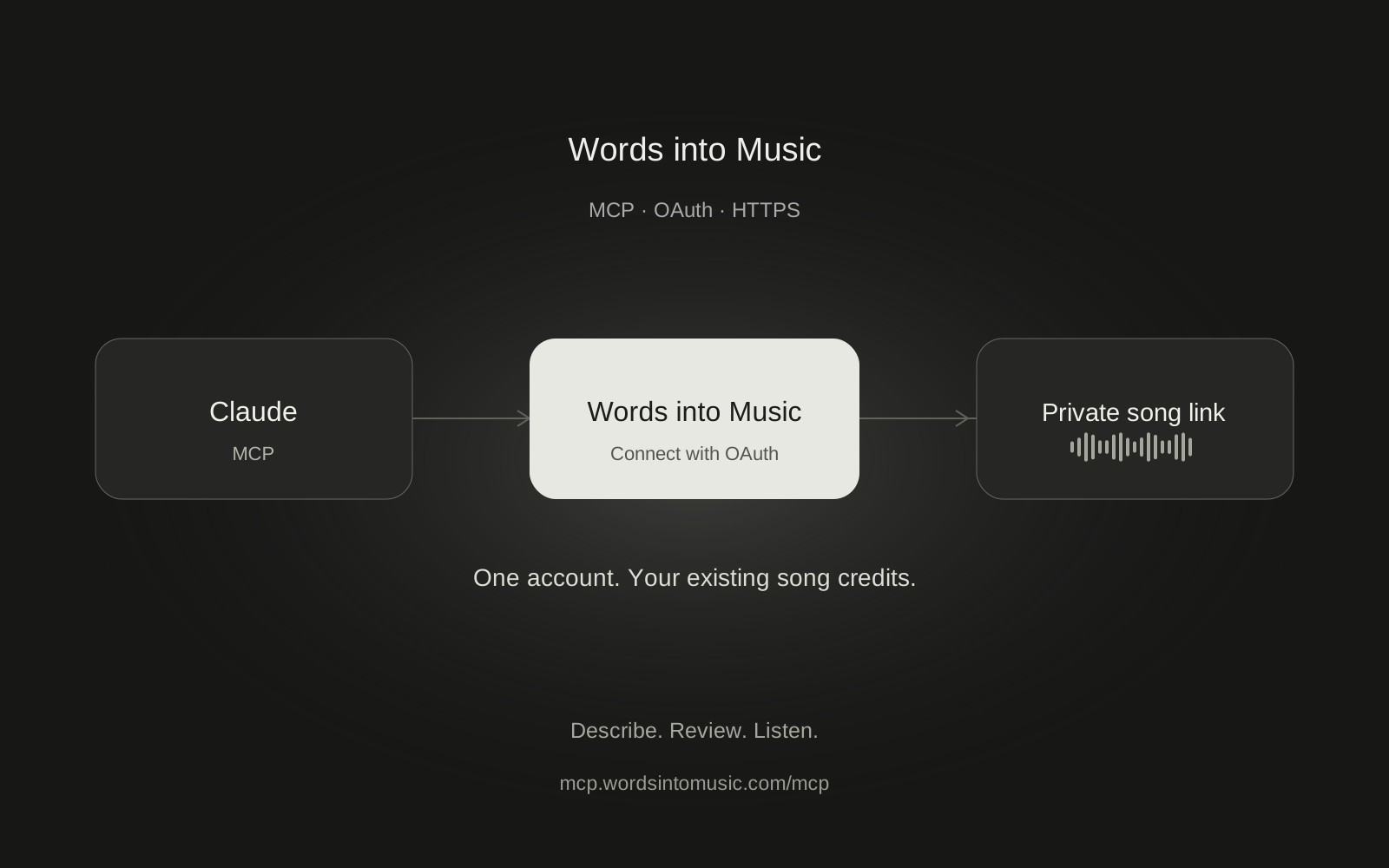
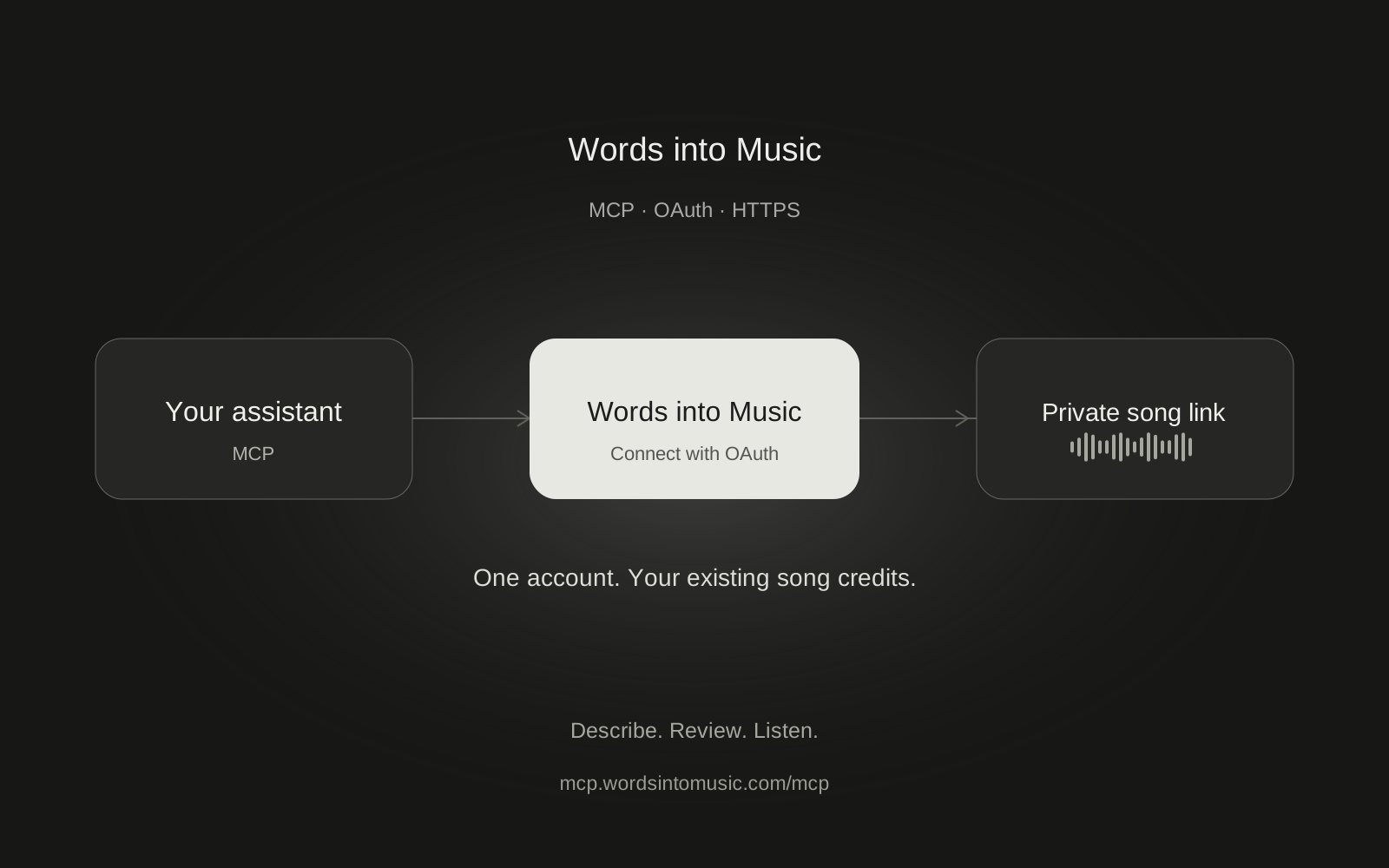
Words into Music has a remote MCP server for making songs from a conversation. Add the server URL to a compatible assistant, sign in with your Words into Music account, then describe the song you want. Your existing song credits pay for generation.
https://mcp.wordsintomusic.com/mcp
MCP means Model Context Protocol. It lets an assistant call tools supplied by another service. Here, your assistant handles the conversation and Words into Music handles the recording. You get a private link to listen in the app, rather than an audio player embedded by our server inside the chat.
Choose your assistant
We completed real production song tests in ChatGPT and Claude on October 16, 2026. Both connected through OAuth, checked credits, prepared one song and followed it through to a playable recording. Claude's test used a Free account.
- Make songs in ChatGPT covers the web plugin setup and selecting it in a chat.
- Make songs in Claude covers custom connectors and the conversation toggle that is easy to miss.
- Make songs in Grok explains xAI's documented connector route. Our Grok end-to-end song test is still pending.
- The MCP setup guide explains permissions, commands and troubleshooting across clients.
What you can do
Ask for a new song from an idea, or supply your own lyrics. Include a musical direction, a language and a target duration between 60 and 180 seconds. You can request vocals or an instrumental. Supported song languages are English, Spanish, German, French and Brazilian Portuguese.
For a first run, keep the brief small:
Make a 60-second English acoustic-pop song about taking the last train home. Use fingerpicked guitar, soft percussion and warm vocals. Check my credits first. Show me the brief and cost, then wait for my approval before generating.
The preparation step checks and saves the brief without using a song credit. Starting the recording uses one credit. Checking progress and reading your library use no song credits. A technical generation failure follows the same refund rules as the website.
| Tool | What it does | Song credits |
|---|---|---|
get_account_usage |
Checks available and reserved credits | 0 |
prepare_song |
Saves a validated brief for one hour | 0 |
start_song |
Starts that prepared recording | 1 |
get_song_job |
Checks progress and returns the finished link | 0 |
list_songs |
Lists your private songs | 0 |
get_song |
Reads a song's details, with lyrics on request | 0 |
The current connector does not edit one line of an existing recording, clone voices, preserve an uploaded melody or produce stems. If you want a different take, treat it as another song and check the cost before starting.
Same account, same allowance
Connecting another assistant does not create a new free trial. A free account has one song in total across the website and all MCP clients. Subscriptions and song packs use the same wallet here as in the app. See pricing for the current offers, shown in USD.
Your assistant cannot buy credits or change your subscription through these tools. When you run out, open Billing yourself. The website and MCP also share the one-active-generation rule, so wait for an existing recording to finish before starting another.
While the song is being made
Generation usually takes about two minutes, but the actual wait varies. The accepted job continues if you close the assistant tab. You can return to My songs later. Enable the optional completion email in Settings if you want a reminder with a private link.
Ask your assistant to check progress at least 15 seconds apart. If a response times out, retry the same prepared request rather than asking for a new recording. Repeating the start of the same prepared request returns the existing job.
Control the connection
OAuth opens our sign-in and permission screen in your browser. You do not paste your Words into Music password, browser cookies or a music-provider API key into the assistant. Review the account, callback host and permissions before approving.
The available permissions cover credit usage, private song reads and song creation. Disconnect in Words into Music Settings to stop new tool calls immediately, then disconnect in the assistant's settings too. A recording already accepted before disconnection will still finish. Read our privacy policy before sending personal lyrics to an assistant.
To start, choose the guide for your assistant above. For other remote OAuth MCP clients, use the same HTTPS endpoint and the setup reference.
Frequently asked questions
Do I need a separate Words into Music API key?
No. Compatible chat clients connect through OAuth using your existing account. Developer API integrations must implement their own OAuth client and keep tokens on the server.
Does connecting each assistant give me another free song?
No. The free song is shared across the website and every connected assistant. A connection does not reset your allowance.
Where do I listen to the finished song?
Open the private Words into Music link returned by the assistant and sign in to the account that created it.
Can I close the chat during generation?
Yes. An accepted song job continues in the background. Find it in My songs later or enable the optional completion email in Settings.
Which clients have been tested?
Real production song creation and playback passed in ChatGPT and Claude. Other clients, including Grok, have separate setup instructions but have not completed our end-to-end acceptance test.