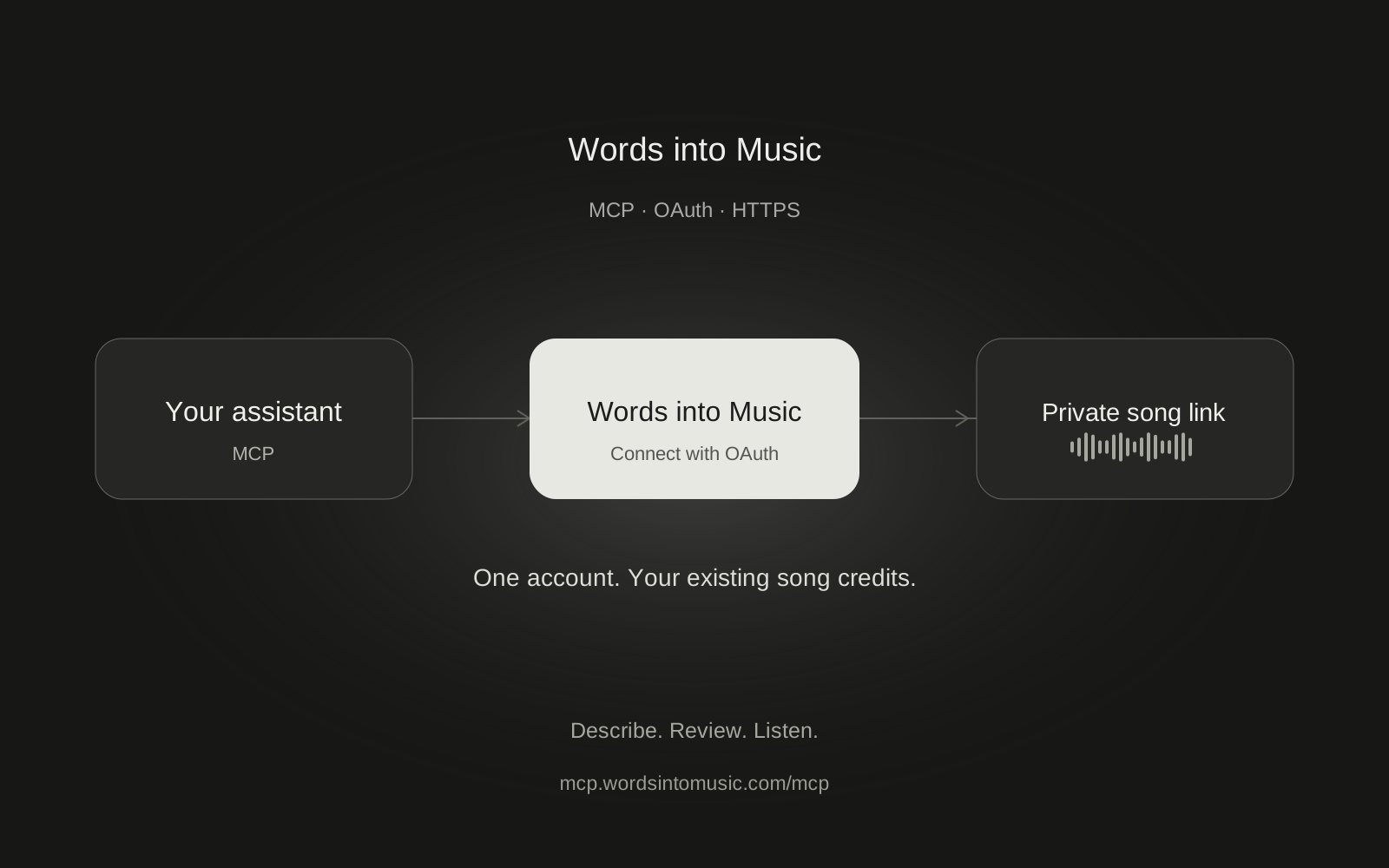
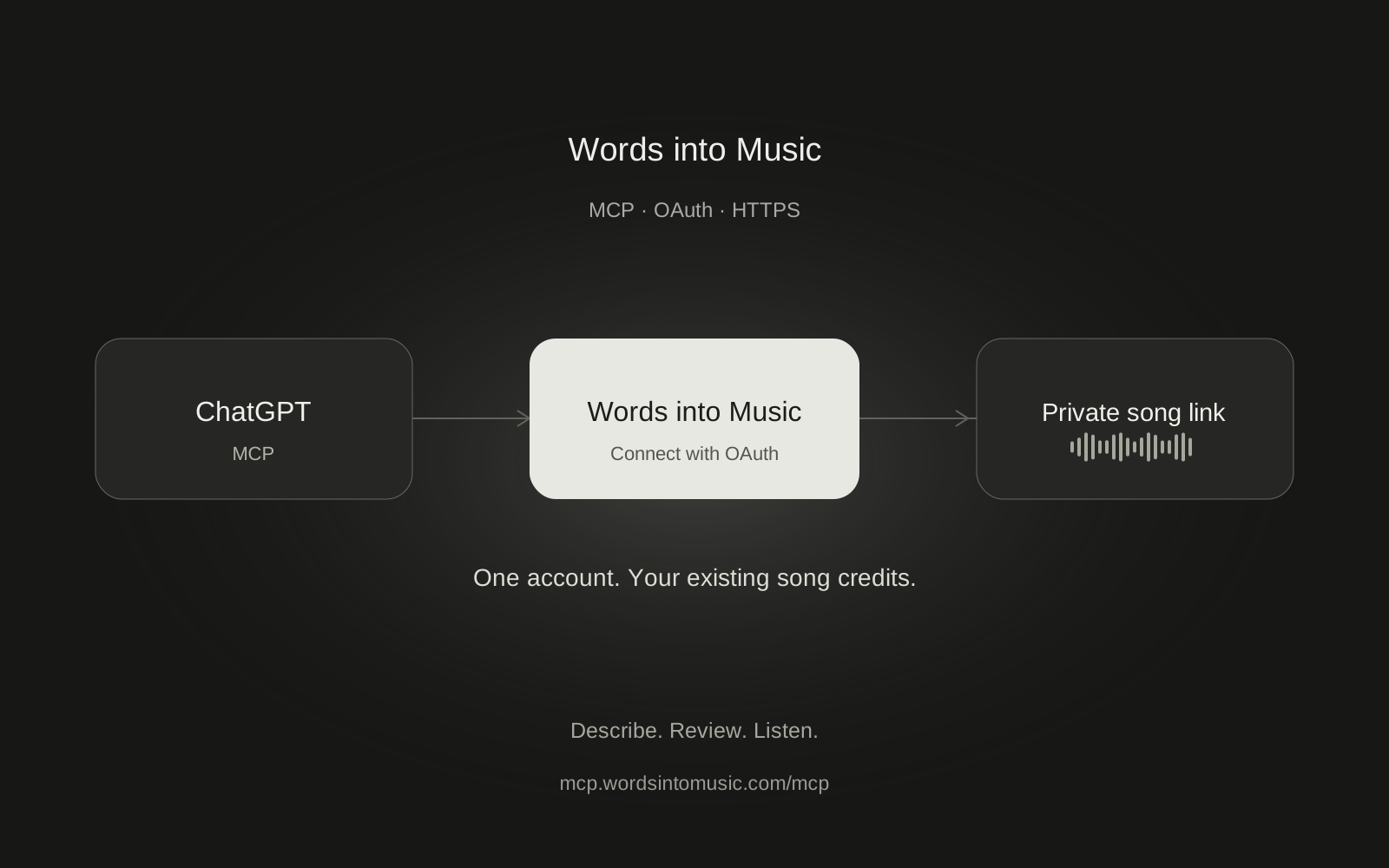
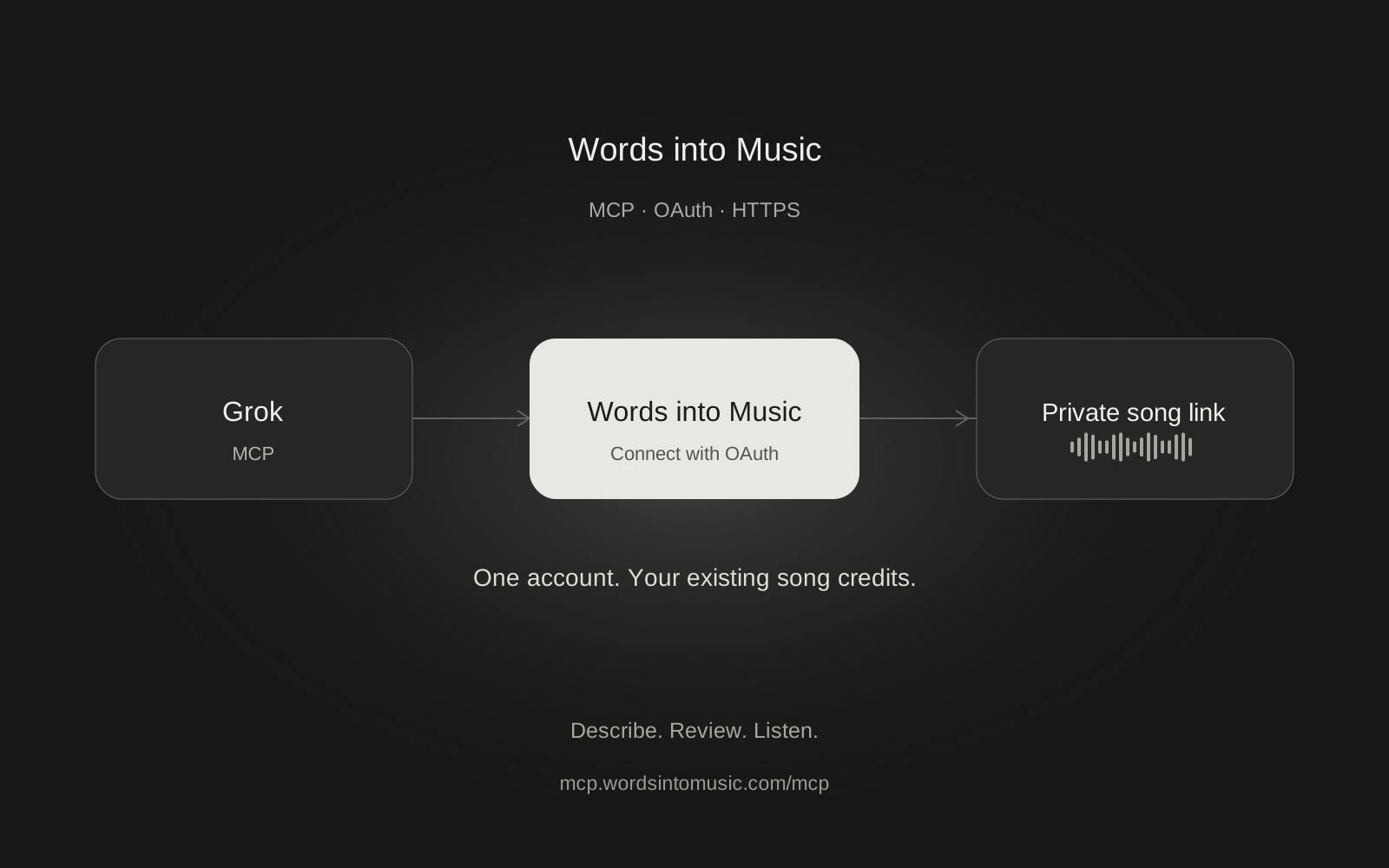
Grok documents a custom MCP connector route for connecting external tools to a conversation. Words into Music exposes a remote OAuth MCP endpoint for song generation. This guide shows the documented setup and the checks to make before spending a song credit.
We have completed production song tests in ChatGPT and Claude. A full Words into Music song test in Grok is still pending. The Grok steps below follow xAI's current documentation; they are not presented as a tested recording session.
Add the custom connector on the web
According to xAI's connector documentation, open Grok Connectors, choose New Connector, then Custom. Enter this public server URL:
https://mcp.wordsintomusic.com/mcp
Use OAuth when Grok asks how to authenticate. Sign in on Words into Music and review the account, callback host and permissions. You should not need our provider keys, your browser cookies or a Words into Music password pasted into the chat.
On Grok Business and Enterprise, an admin may need to provision the connector in the cloud console before members can use it. Availability and labels can change. If your account has no Custom option, check xAI's documentation rather than entering the endpoint into an unrelated API-key field.
Check the connection without creating a song
Enable the connector for your conversation if Grok offers a tool selector, then ask:
Use Words into Music to check my available song credits and supported song languages. Do not prepare or start a song.
Look for an actual tool response. A conversational reply saying it can write lyrics is not proof of a working music connection. Expected tool names include get_account_usage, prepare_song, start_song and get_song_job. The MCP overview lists all six.
If sign-in or discovery fails, do not keep creating new connectors or approve unexpected permissions. Disconnect the incomplete connection and send the error text, without tokens or callback codes, to support.
Prepare, review, then generate
Once the read-only check works, try a narrow brief:
Prepare a 60-second instrumental with mellow piano and soft drums for reading on a rainy evening. Check my balance and show the brief and one-credit cost. Wait for my approval before starting exactly one recording.
The song can be 60 to 180 seconds long. Vocal languages are English, Spanish, German, French and Brazilian Portuguese. Say the language explicitly if you want vocals; the conversation language and the song language can differ.
Preparing the brief costs no song credits. Starting it spends one existing credit. Free users have one song in total across the app and every assistant, not one per connector. Plans and song packs use the same wallet. Grok cannot purchase a plan or add credits through our tools.
After approval, ask Grok to start the same prepared request and check progress no faster than every 15 seconds. If a call times out, retry that prepared ID instead of making a second request. An accepted job continues after you leave the chat. Listen through the private Words into Music link when it is ready.
For developers using the xAI API
The API is a separate setup from the Grok website. You need an xAI API key for xAI and a Words into Music OAuth access token obtained by your application's own authorized OAuth flow. There is no personal-token generator in our Settings page. Do not extract a token from your browser session.
xAI's remote MCP API reference supports a server URL, authorization and a tool allowlist. Start with read-only access. This illustrative OpenAI-compatible example checks the connection without exposing generation tools:
import os
from openai import OpenAI

client = OpenAI(
    api_key=os.environ["XAI_API_KEY"],
    base_url="https://api.x.ai/v1",
)
response = client.responses.create(
    model=os.environ["XAI_MODEL"],
    input="Check my Words into Music song credits only.",
    tools=[{
        "type": "mcp",
        "server_label": "words_into_music",
        "server_url": "https://mcp.wordsintomusic.com/mcp",
        "authorization": "Bearer " + os.environ["WIM_ACCESS_TOKEN"],
        "allowed_tools": ["get_account_usage"],
    }],
)
print(response.output_text)
Use a currently available MCP-capable model from your xAI account. Keep both credentials server-side and implement refresh and revocation. xAI API charges are separate from song credits. This example has not been run against a funded xAI developer account.
Do not expose start_song to an unattended model without an application-level approval step. The API's approval behavior differs from the web connector. For the easiest verified browser setup today, follow Claude or ChatGPT. The general setup guide covers disconnection and common errors.
Frequently asked questions
Has song generation in Grok been tested?
Not yet. These steps follow xAI's current connector documentation. We have verified complete production song creation in ChatGPT and Claude, and identify Grok as awaiting an end-to-end test.
Is the Grok API the same as the Grok website connector?
No. The website manages its connector sign-in. An API application needs an xAI API key and its own authorized Words into Music OAuth token flow, with secure token storage and refresh.
Do I get another free song for connecting Grok?
No. Your existing song allowance is shared across the website and all connected assistants.
Will Grok play the song directly in the chat?
Our MCP server returns a private song link and details. Open the link in Words into Music while signed in to listen. It does not provide an embedded chat player.
Can I revoke access?
Yes. Disconnect the client under Connected apps in Words into Music Settings and disconnect it in Grok too. A generation accepted earlier can still finish.