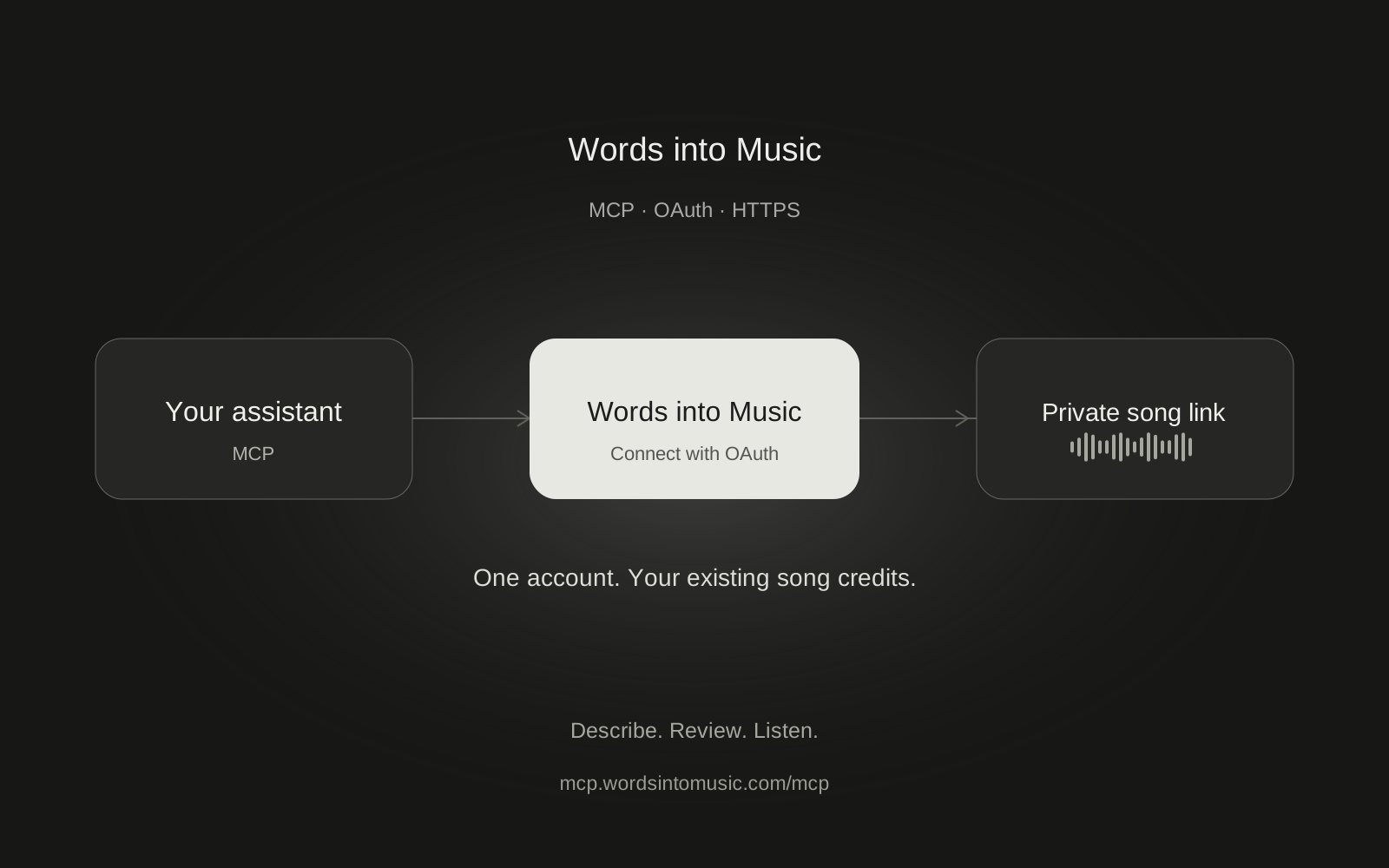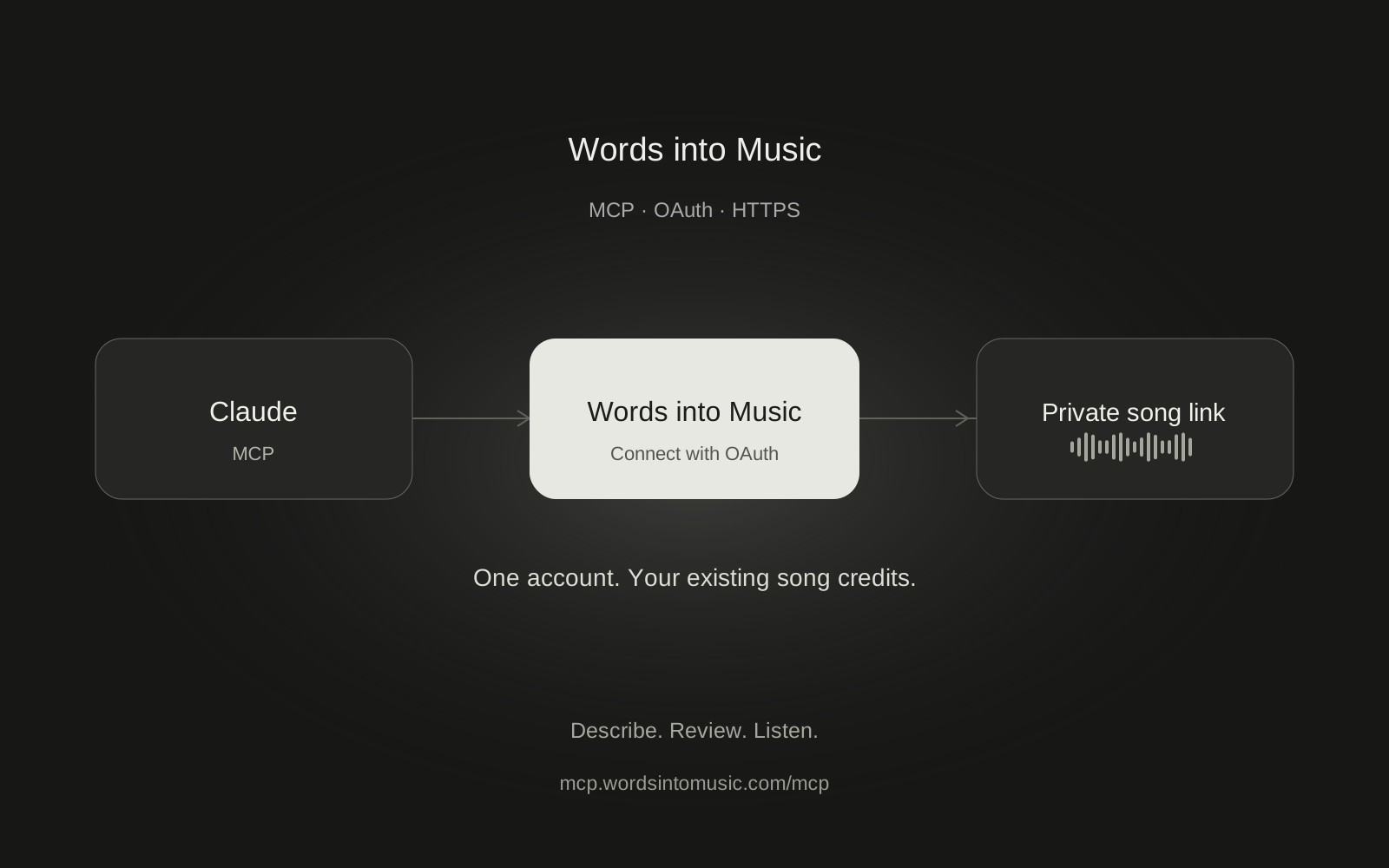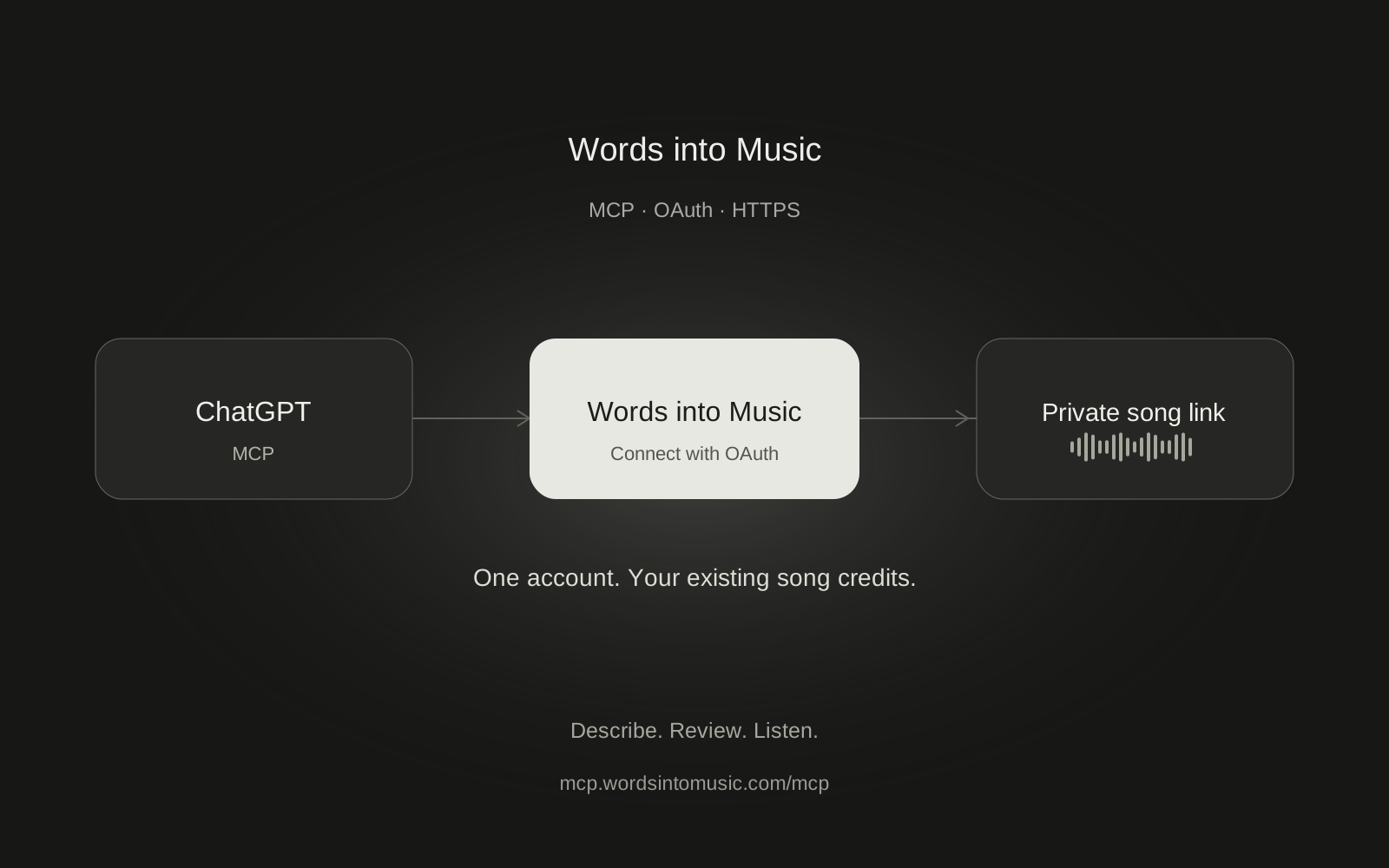
You can make a recorded song from a ChatGPT conversation by connecting Words into Music as a custom MCP server. ChatGPT helps shape the brief and calls the music tools. Words into Music generates the recording and saves it in your private library.
We tested this flow in the production ChatGPT web interface on October 16, 2026. It created a 60-second French acoustic-pop song, returned its private link and played successfully in our app. Your available menus still depend on your ChatGPT plan and workspace permissions.
Before you start
Sign in to Words into Music with a verified account and check that you have a song credit. The free song allowance is shared with the website and other assistants. Connecting ChatGPT does not add another trial.
Use ChatGPT on the web for setup. Look for Plugins and an option to add a custom MCP server. Some interfaces use Apps or workspace settings instead. If the option is missing, check OpenAI's current setup guide or ask your workspace admin. Do not buy a plan just because a menu label in a screenshot is different.
Add the server
- Open Plugins in ChatGPT, choose Add, then Add custom MCP server.
- Enter Words into Music as the name. A description is optional.
- Paste the endpoint below into Server URL and select OAuth.
- Review ChatGPT's custom-server notice. Continue only if you are happy to grant the listed access, then create the plugin.
- Install or connect it when prompted. Sign in on Words into Music and review the account and permissions before approving.
https://mcp.wordsintomusic.com/mcp
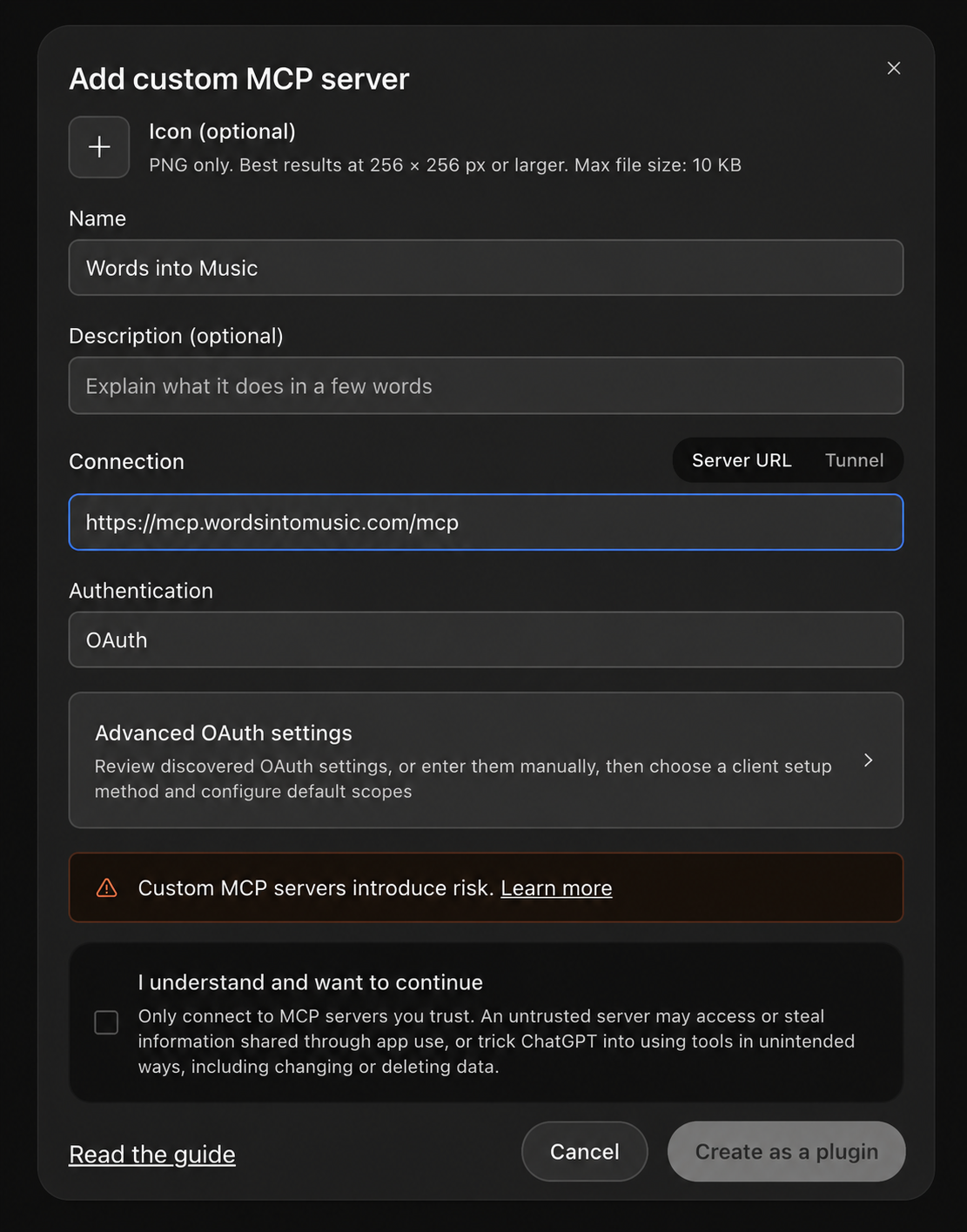
Leave manual OAuth client credentials alone when ChatGPT offers automatic setup. The published client identity worked in our production test. You do not need our backend keys, browser cookies or generation-provider credentials.
Select the plugin in a conversation
Start a chat and type @ to choose Words into Music. Ask a read-only question first:
Use Words into Music to check my available and reserved song credits. Do not prepare or start a song yet.
If ChatGPT responds without a tool result, select the plugin again. App selection may apply to the message that asks for the action, rather than every future message in the chat.
Ask for a song and approve the cost
Be specific about the sung language. A French website interface does not automatically mean you want French lyrics.
With Words into Music, prepare a 60-second French acoustic-pop song about a midnight train taking me home. Use fingerpicked guitar, soft piano, light percussion and intimate vocals. Check my balance, show the brief and one-credit cost, then wait for my approval to start exactly one song.
Review the brief. You can change the sound or lyrics before starting without spending a song credit. Then tell ChatGPT to start that prepared song. Confirm a write-action permission prompt if ChatGPT shows one. The exact approval UI depends on your app permissions and account.
One accepted song costs one credit. The assistant cannot buy a pack or change your subscription. If you have no credits, open pricing or Billing yourself.
Wait, listen and keep the link
Ask ChatGPT to check progress at least 15 seconds apart. Generation usually takes about two minutes, but it can take longer. Our example is a tested workflow, not a timing guarantee.
You can close the chat after the server accepts the job. The song continues in the background. Open the finished private link, or find it under My songs. Sign in with the account used for the connection. Optional ready emails can be enabled in Settings.
Our MCP server returns song details and a link. It does not supply an embedded chat audio player. ChatGPT may format its response as a card, but listening happens on the Words into Music song page.
Common problems
If the tools disappear, select the plugin with @ again or refresh its tools in settings. If another song is running, wait for it; the website and ChatGPT share that restriction. If a start call times out, ask ChatGPT to retry the same prepared request, not create a new one.
To remove access, disconnect ChatGPT under Connected apps in Words into Music Settings, then disconnect the account in ChatGPT's plugin settings. We verified that the next credit read failed after revocation.
For the technical settings and error explanations, use the MCP setup guide. Prefer a different assistant? The Claude guide follows the same account and credit rules.
Frequently asked questions
Can ChatGPT generate the recording without a connector?
This guide uses ChatGPT to call Words into Music for the recording. Writing lyrics in a chat alone does not start our song generator.
Do I need developer mode?
Our tested interface offered Plugins, Add and Add custom MCP server without a separate developer-mode step. Other accounts or workspaces may expose different controls. Check the current OpenAI setup instructions.
Is Words into Music listed in the public ChatGPT directory?
This guide describes a custom MCP setup, not a claim of public directory listing or OpenAI approval. Add the remote server URL where your account permits custom MCP servers.
Will ChatGPT spend credits without asking?
The tools describe the one-credit cost, and you should ask ChatGPT to show the brief and wait for approval. ChatGPT confirmation prompts depend on its permissions and context. The backend always enforces your available credits.
Can I make a song in another language?
Yes. Explicitly request English, Spanish, German, French or Brazilian Portuguese. The selected song language is sent to the generation backend.