AI music prompt generator
Build a music prompt from your genre, mood, instruments and vocal choices. Sign in to get a full brief and a short version for Words into Music or Suno.
How it works
How to build your music prompt
- 01
Choose the musical starting point
Pick a genre, then choose a mood and energy level. The genre supplies a suggested tempo and key, plus a rhythm and bass direction. Keep those defaults if you are exploring, or replace them when you have a particular pace or tonal centre in mind.
- 02
Choose what the listener should hear
Select up to five featured instruments. Choose sung vocals, rhythmic vocal chops or an instrumental. For a sung track, choose a vocal character and one of our five song languages. Add a production sound and intended use to finish the brief.
- 03
Sign in, generate and review
Generate a full brief and a version of no more than 200 characters. Edit either one, copy it or choose Make a song with this prompt. That opens our normal song maker for review. Generating the prompt itself does not start a recording.
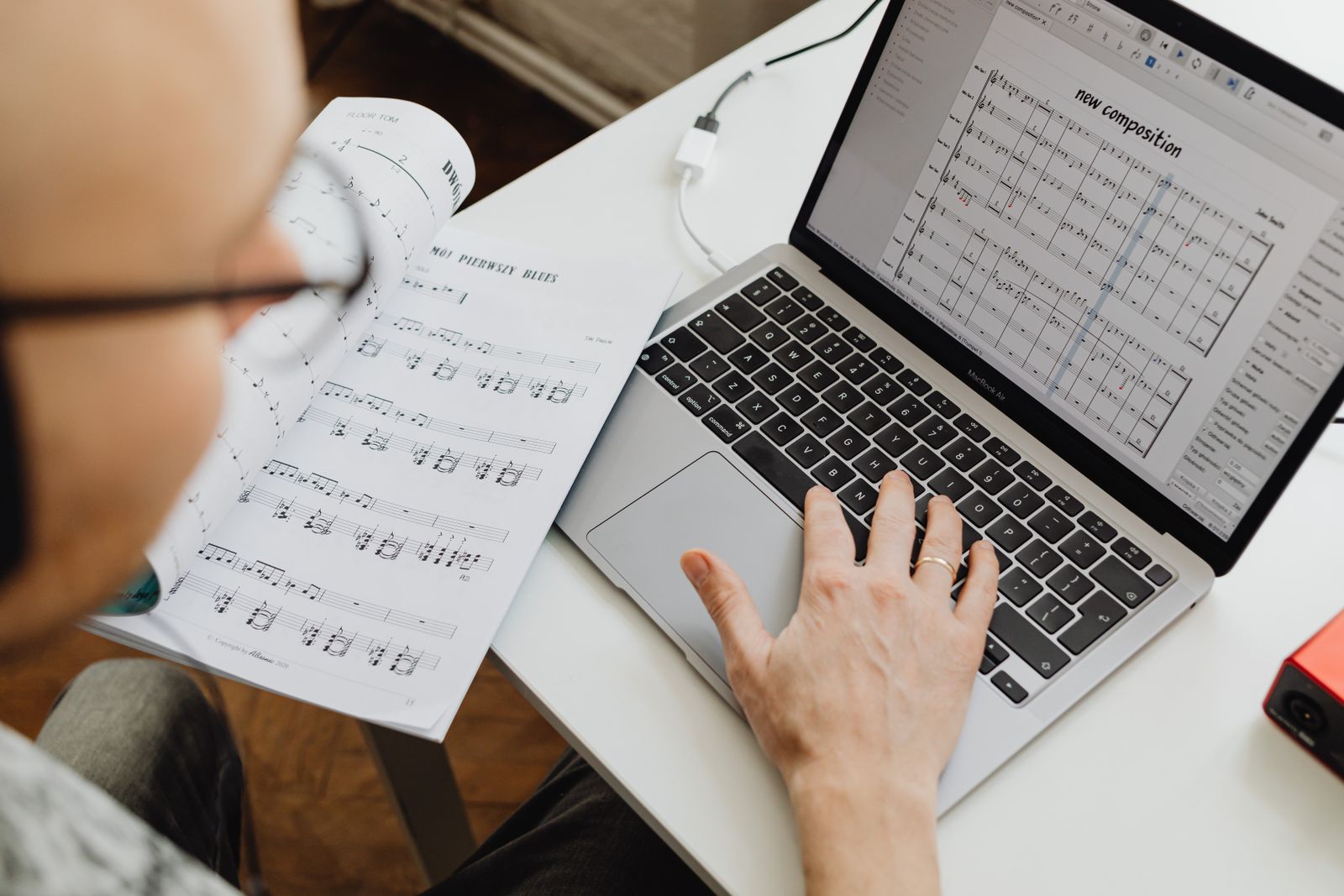
Give the sound a direction
Describe the track you can hear in your head.
A music prompt gives a generator a direction before it makes the first note. Choose the style, mood, instruments and vocal delivery you want. AI turns those choices into an editable brief with rhythm, arrangement and production detail, plus a shorter style line. Each successful request creates both versions and counts as one use of your account's writing allowance. Copy either version or take it into our song maker, where you can add your story or lyrics before creating a recording.
One genre gives the arrangement a centre
A clear starting style helps the rhythm and instruments point in the same direction. For a softer birthday song, acoustic folk and brushed percussion may be enough. For a workout track, a firmer pulse and a more forceful bass part describe the change more clearly than simply asking for something better.
A brief describes sound; an idea supplies the story
The generated text tells the music model how to approach a track. Add the occasion, people and details when you reach the song maker, or paste your finished lyrics in its lyrics mode. A production brief alone will not tell a convincing personal story for you.
An example to work from
A warm acoustic direction for a birthday song
This is an illustrative style brief, not an audio sample. In the song maker, add the birthday story and names, then review the lyrics before generating a recording.
Try your own ideaIllustrative style brief
Acoustic folk, 92 BPM, C major. Warm evening mood. Gentle energy. Fingerpicked acoustic guitar, brushed drums and a soft piano response. Conversational lead vocals in English. Close, natural recording with room for the words.
Make the next version more specific
Choose sounds you want to notice
Piano, a plucked bass and brushed drums give you concrete elements to listen for. Five featured instruments is a useful editing limit, not a promise that the result will contain exactly five parts. Remove an instrument if its role is already covered.
Change one decision at a time
If the result is too busy, simplify the instrumentation before changing the genre, voice and tempo together. Keeping most of the brief stable makes it easier to hear whether the new direction addressed the problem.
Treat numbers as musical targets
A tempo and key describe your intention. Generative audio can drift from them. Use our BPM tap counter to check the pace after listening, and keep lyrics out of the style description so the singer is less likely to sing your production notes.
A little help
Questions about this tool?
Something else on your mind?
Ask us about writing a draft or turning your words into a song.
Is the AI music prompt generator free?
Yes. Sign in to use your account's writing allowance. Each successful request creates both prompt versions and uses one writing generation; creating an audio recording is a separate step that uses song credits.
Does this tool use an AI model to write the prompt?
Yes. An AI text model uses your selected genre, mood, energy, instruments, vocals, production sound, intended use, tempo and key to write a detailed brief and a compact version. It writes sound instructions, not lyrics or audio.
Can I use the prompt with Suno?
Yes. It is a plain-text sound description that you can paste into the Styles field in Suno Custom mode. Put your lyrics in its separate Lyrics field. Suno has its own account requirements, limits and terms.
Can I make an instrumental prompt?
Yes. Choose No vocals. Both versions will describe an instrumental, and the voice and song-language controls will be hidden. The song-maker handoff also turns on Instrumental only.
Can I choose my own tempo and key?
Yes. Enter a whole-number tempo from 40 to 220 BPM and choose a key. Leave either setting at its default to use the genre suggestion. The recording may not follow either value exactly.
What should I do with the full and short versions?
Use the full brief when you want more arrangement detail, or the short version for a compact style line. Both are editable. Add the story or lyrics separately before making your song.
